






Creating a productive home office environment is essential for anyone working remotely or managing projects from home. A well-organized and comfortable workspace can improve focus, reduce stress, and increase overall efficiency. Here are some practical tips to help you set up a home office that supports productive workdays.
Choose the Right Location
Find a Quiet Spot
Select a part of your home that is quiet and free from distractions. Avoid high-traffic areas like the living room or kitchen if possible. A room with a door can help create a sense of separation from the rest of your home.
Consider Natural Light
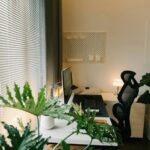
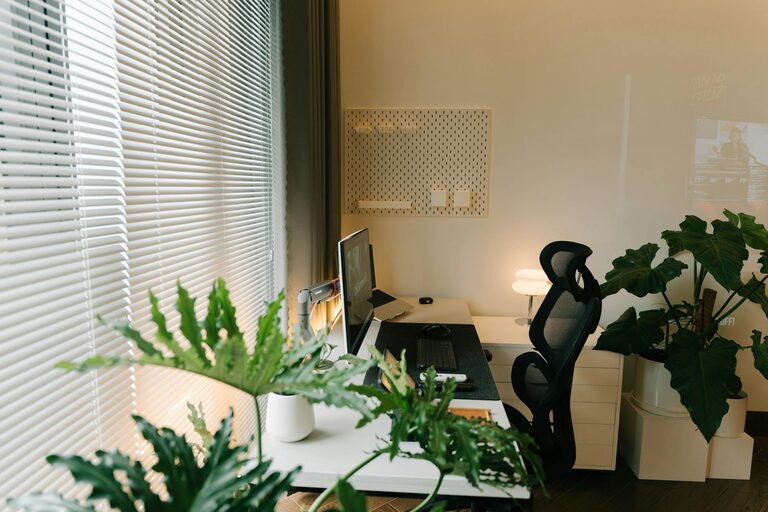
Place your desk near a window to take advantage of natural light, which can improve mood and reduce eye strain. If natural light is limited, invest in good quality lighting to keep your workspace bright.
Invest in Comfortable Furniture
Ergonomic Chair
A comfortable, supportive office chair is essential to prevent back and neck pain. Look for chairs with adjustable height and lumbar support to suit your posture.
Suitable Desk
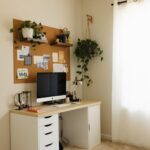
Choose a desk that fits your work needs and space. Make sure it has enough surface area for your computer, documents, and other essentials without feeling cluttered.
Organize Your Workspace
Declutter Regularly
Keep your desk tidy by removing unnecessary items. A clean space helps reduce distractions and promotes a clear mind.
Use Storage Solutions
Incorporate shelves, drawers, or organizers to store supplies and paperwork. Labeling storage items can make it easier to find things quickly.
Minimize Distractions
Set Boundaries
Communicate your working hours to household members to limit interruptions. Use noise-canceling headphones if noise is an issue.
Manage Digital Distractions
Turn off non-essential notifications on your devices. Use apps or settings that block distracting websites during work hours.
Personalize Your Space
Add Plants
Indoor plants can improve air quality and create a calming atmosphere, making your home office a more pleasant place to spend time.
Decorate Thoughtfully
Include items you enjoy, such as artwork or photos, but avoid overcrowding your space. A personalized environment can boost motivation.
Maintain a Healthy Routine
Take Breaks
Schedule short breaks to stand, stretch, or walk around. This helps reduce fatigue and maintain focus.
Stay Hydrated and Nourished
Keep water nearby and have healthy snacks on hand to maintain energy levels throughout the day.
Optimize Technology
Reliable Internet Connection
Ensure your internet is fast and stable to avoid interruptions during video calls or data uploads.
Efficient Equipment
Use a computer, keyboard, and mouse that feel comfortable and responsive. Regularly update software for security and performance.
Improve Air Quality and Temperature
Ventilate Your Space
Open windows when possible or use an air purifier to maintain fresh air.
Control Temperature
Adjust your thermostat or use fans/heaters to keep your office at a comfortable temperature, helping you stay focused.
Set Clear Goals and Schedules
Plan Your Day
Start with a to-do list or schedule to prioritize tasks. This structure helps keep you on track and prevents procrastination.
Use Time Management Techniques
Try methods like the Pomodoro Technique, working in focused intervals with scheduled breaks, to enhance productivity.
—
Creating a productive home office is about more than just finding a spot for your computer. Thoughtful setup, organization, and habits contribute to a space that supports your work and wellbeing. Apply these tips to design a home office environment where you can thrive professionally and personally.